
Android management for smartphones, tablets and TVs.
Manage Android smartphones, tablets, and large-screen devices with a platform for applications, configurations, and ongoing fleet support.
Request a product demo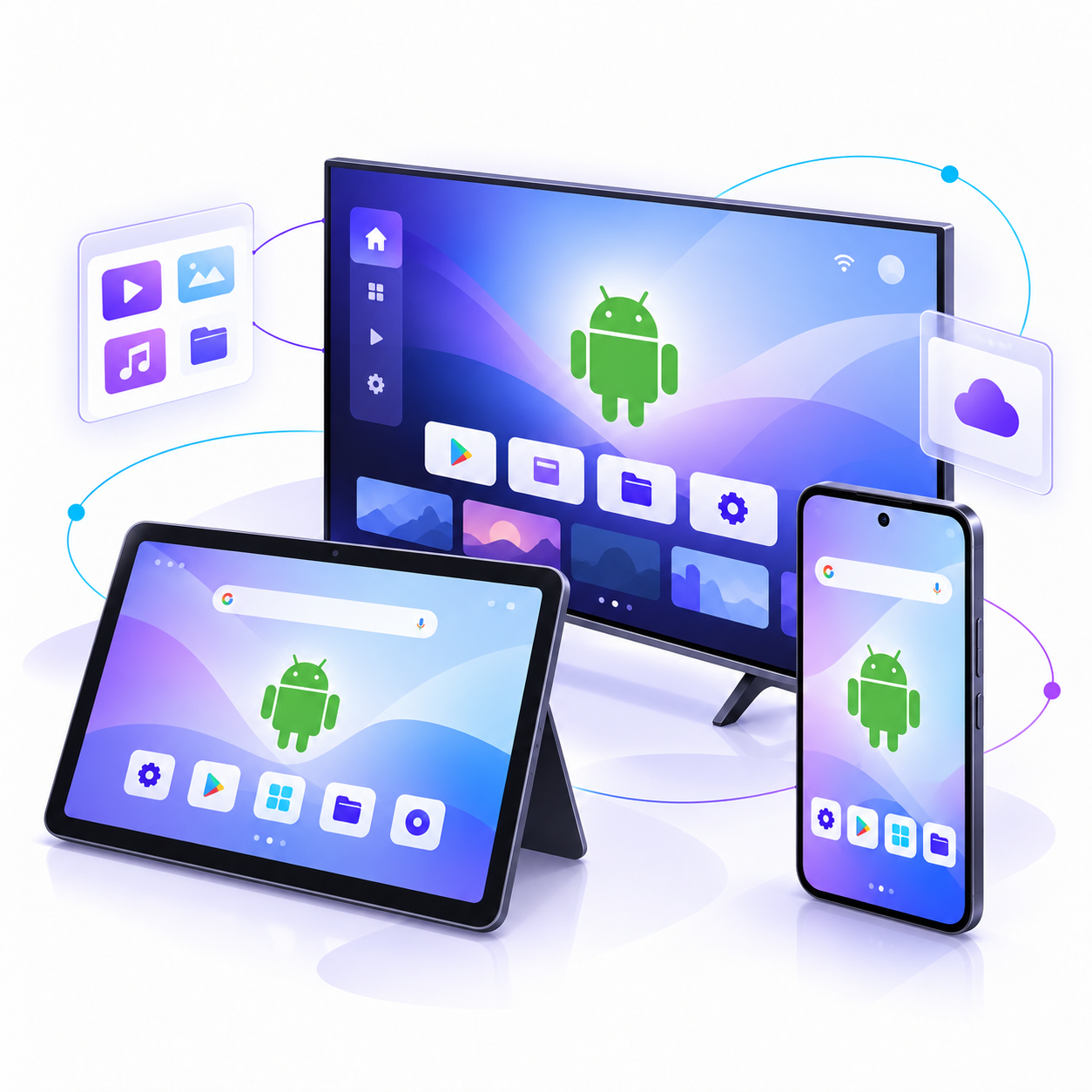
Manage more than one kind of screen
Bring phones, tablets, and Android-based TV devices into a management plan shaped around how each device is used.
- Organize devices by model, role, or deployment.
- Assign applications and configurations to the right groups.
- Use available diagnostics to support deployed devices.
Management options vary by device, Android version, and permissions. Validate each target model and build.
Test the experience on your devices
Consumer phones, managed tablets, and TV devices can differ in enrollment behavior, available controls, and application compatibility.
- 01
Choose representative models
Include the smartphone, tablet, and TV hardware you plan to deploy.
- 02
Check enrollment and controls
Verify the required management features and permissions on each Android build.
- 03
Test applications
Confirm that your apps install and behave as expected on each screen and device type.
- 04
Plan fleet support
Review configurations, diagnostics, and the process for handling build changes.
Android TV and other large-screen Android builds may differ from phone and tablet builds. Compatibility is assessed against your specific hardware and software.