
Android management for POS terminals.
Give your Android POS product a management layer for application delivery, kiosk configuration, and remote diagnostics after deployment.
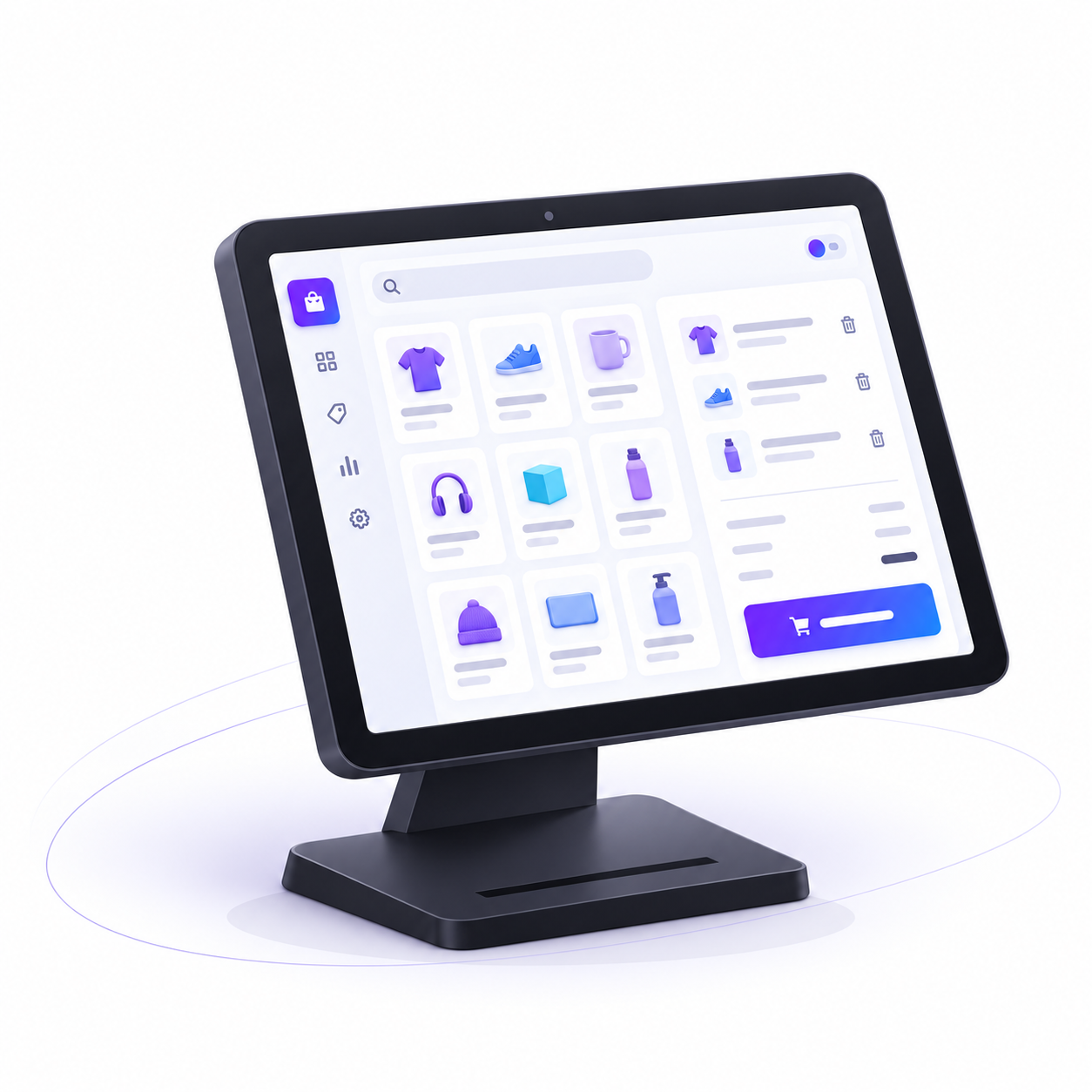
Keep releases organized
Manage APKs and versions centrally, with assignments tied to device configurations.
- Test the release on representative terminals.
- Check the POS application and its peripherals.
- Review installation results before wider deployment.
Soar MDM manages devices and applications. Payment processing and payment certification are outside this scope.
Give support the device context
- View the screen to understand the operator’s report.
- Inspect logs, installed packages, and configuration.
- Use supported commands and check the device’s reported result.